-2.png?width=400&height=68&name=newCamp%20Network%20Dark%20Background%20(12)-2.png)
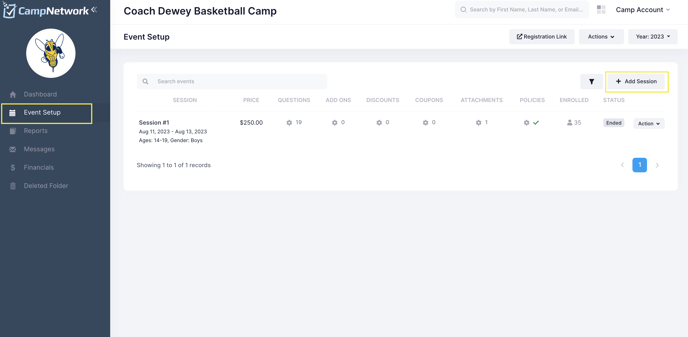
From the left toolbar, select Event Setup, and then Add Session. If you would rather "duplicate" an existing session (you can still change dates, pricing, questions, etc. after it's duplicated) to speed up the process, you can click Action--Duplicate next to the existing session.
Once you've created the session, make sure to fill out the Policies column. Then, just click on Action--Resume next to the session to get things going. Easy peasy!