-2.png?width=400&height=68&name=newCamp%20Network%20Dark%20Background%20(12)-2.png)
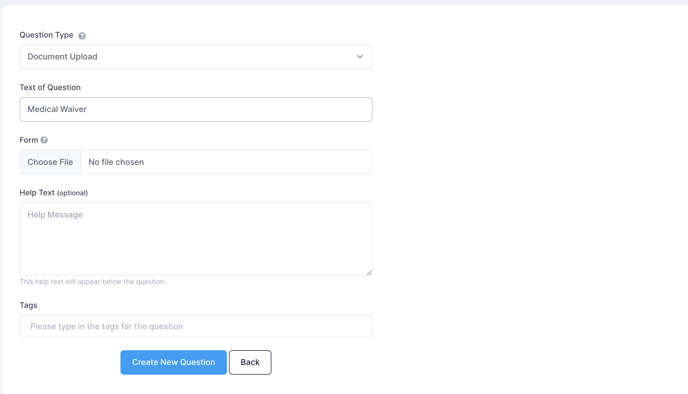
Document Uploads are a type of question. If you ask participants to upload a document during the registration process (or afterwards), they can upload a file to their account.
How do participants upload a document?
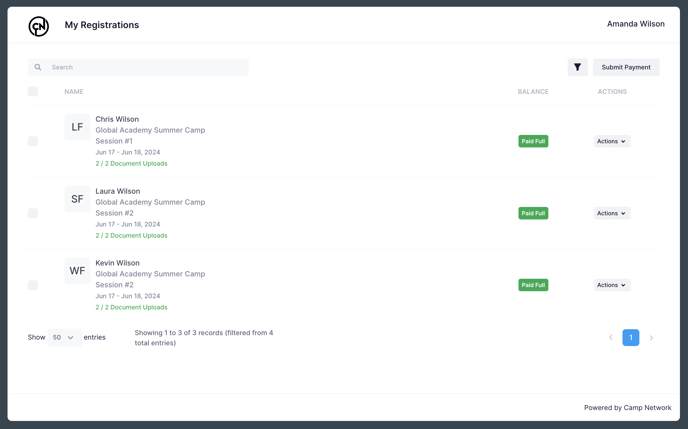
Participants have the option to upload a document either during the registration process or by logging into their account later on. If they choose to upload it afterwards, they just need to sign in to their account (link provided below) and click on the "upload document" button next to their registration.
https://portal.campnetwork.com/login.php
Can I send reminders to participants to upload the required documents?
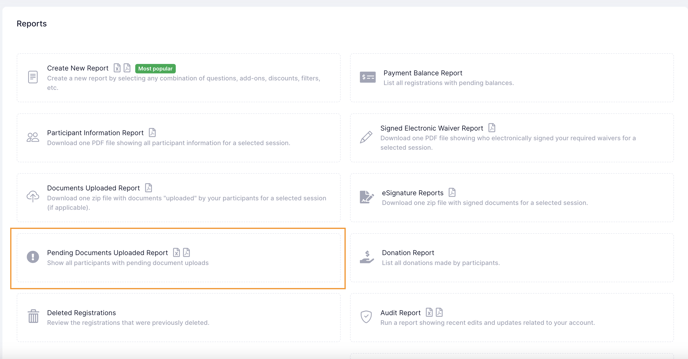
Definitely! Go to the Reports section, then the Pending Documents Uploaded Report. From the next screen, you can trigger a reminder.
How do I access all the uploaded documents?
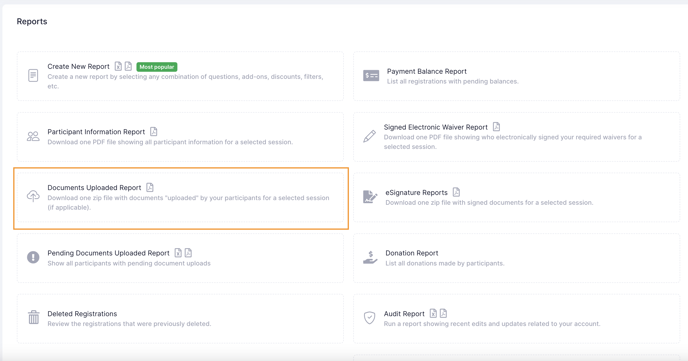
From the Reports section, go to the Documents Uploaded Report.
Select the session you want to view, then select the document(s).
On the final screen, you can view the uploaded documents individually OR you can scroll down the very bottom and click Download Zip File. This will put all the uploaded documents in a zip file so it's easier for you to organize.